Your spare bedroom fits a narrow desk, a laptop and not much else. Every night you push your chair in, the arms hit the desk apron and the back hits the bed or the wall behind you. You’ve got CA$400 to fix it, and most ergonomic chair under 400 lists read like spec bingo, lumbar this, recline that, with no word on whether the chair fits your body or your room.
I judged these seven picks on three things. Support means lumbar and recline control you can set. Adjustability means arms, seat height and seat depth. Build means frame, warranty and trial terms. Footprint runs through all three, because a chair that can’t tuck under your desk wastes floor space all day.
Canadian guidance backs that order. The Canadian Centre for Occupational Health and Safety sitting guidance says a chair should accommodate roughly 95% of users and provide independent adjustment of seat height and tilt, plus backrest height and angle. It also flags a seat edge that avoids pressure behind the knees and casters suited to the floor. Those details decide fit in a small room faster than a feature count does.
Table of Contents
- 1. Effydesk Grin Ergonomic Chair
- 2. Staples Hyken Ergonomic Mesh Swivel Task Chair
- 3. Effydesk Kai Ergonomic Chair
- 4. Staples Mesh Task Chair
- 5. IKEA FLINTAN Office Chair
- 6. Effydesk Grin Ergonomic Armless Chair
- 7. IKEA MARKUS Office Chair
- How the seven budget ergonomic chairs compare on price, arms, seat-depth adjustment and headrests
- Turn the Shortlist Into a Chair That Fits Your Desk
1. Effydesk Grin Ergonomic Chair
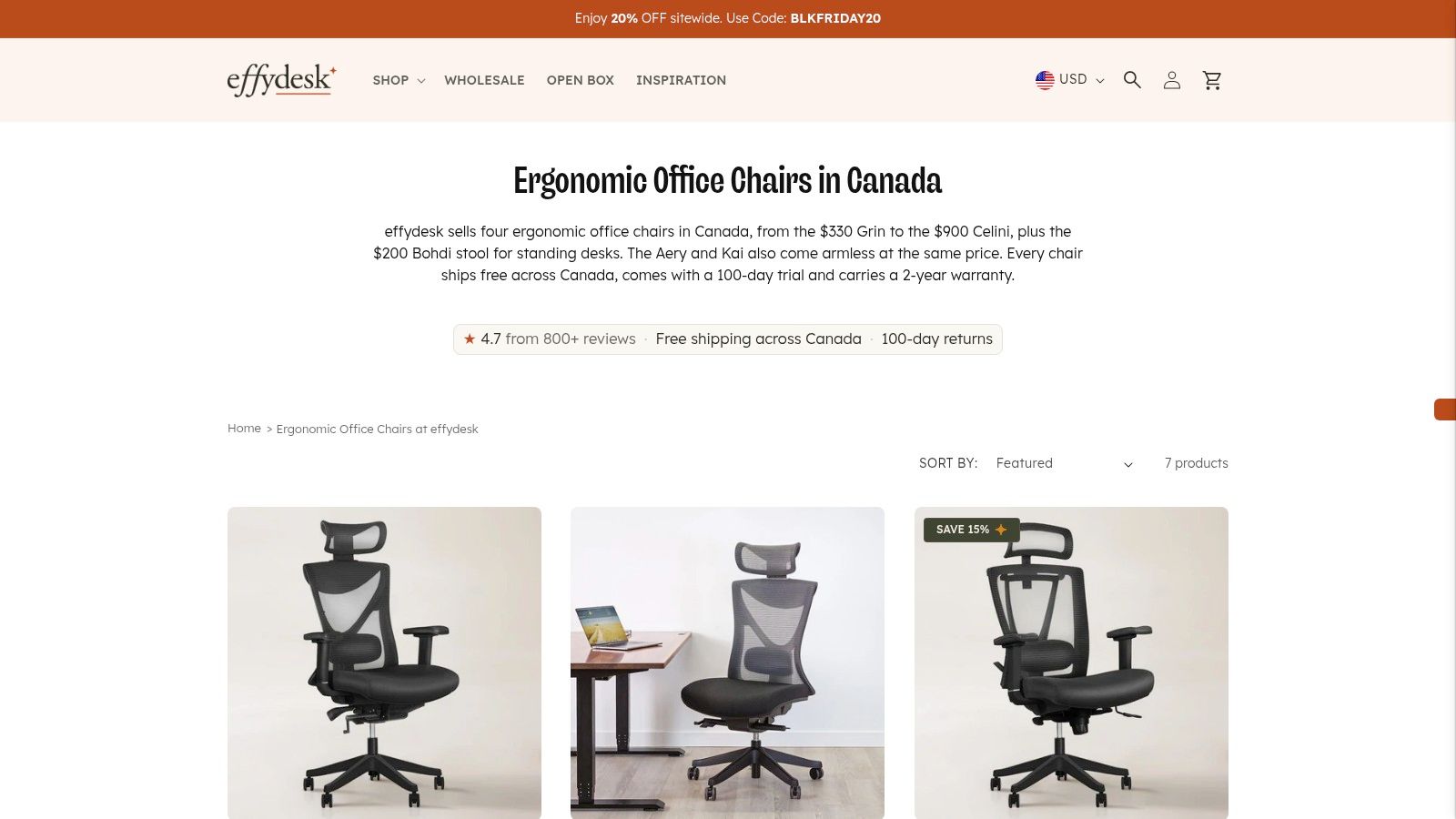
Start here if adjustability matters more than a headrest. At CA$330 on the Effydesk ergonomic chairs collection, the Grin gives you the two adjustments budget chairs usually skip, seat depth and proper arm movement. No headrest keeps the profile lower and simpler against a wall.
Why It Works in a Tight Setup
Adjustable seat depth is the headline. Slide the pan so the front edge doesn’t press behind your knees, then sit back against lumbar support instead of perching forward. Shorter users gain the most, because a fixed deep pan forces exactly that perch.
- 4D-adjustable armrests: Move them in, out, forward and back to clear a desk edge or drop under it.
- Lockable tilt and recline: Set an upright position for typing and release it for calls.
- Adjustable seat height: Pair the lower range with a compact desk without lifting your shoulders.
Effydesk lists free shipping across Canada and a 100-day trial, which matters when you can’t test fit in a store. Use that window. Sit full days, not ten minutes, before you decide.
The trade-off is plain. There’s no headrest, and comfort still depends on your proportions. If you want the wider shortlist behind this pick, see our ergonomic chairs for working from home under CA$400 guide. I rank the Grin first because seat depth fixes a fit problem that extra recline angles can’t.
2. Staples Hyken Ergonomic Mesh Swivel Task Chair
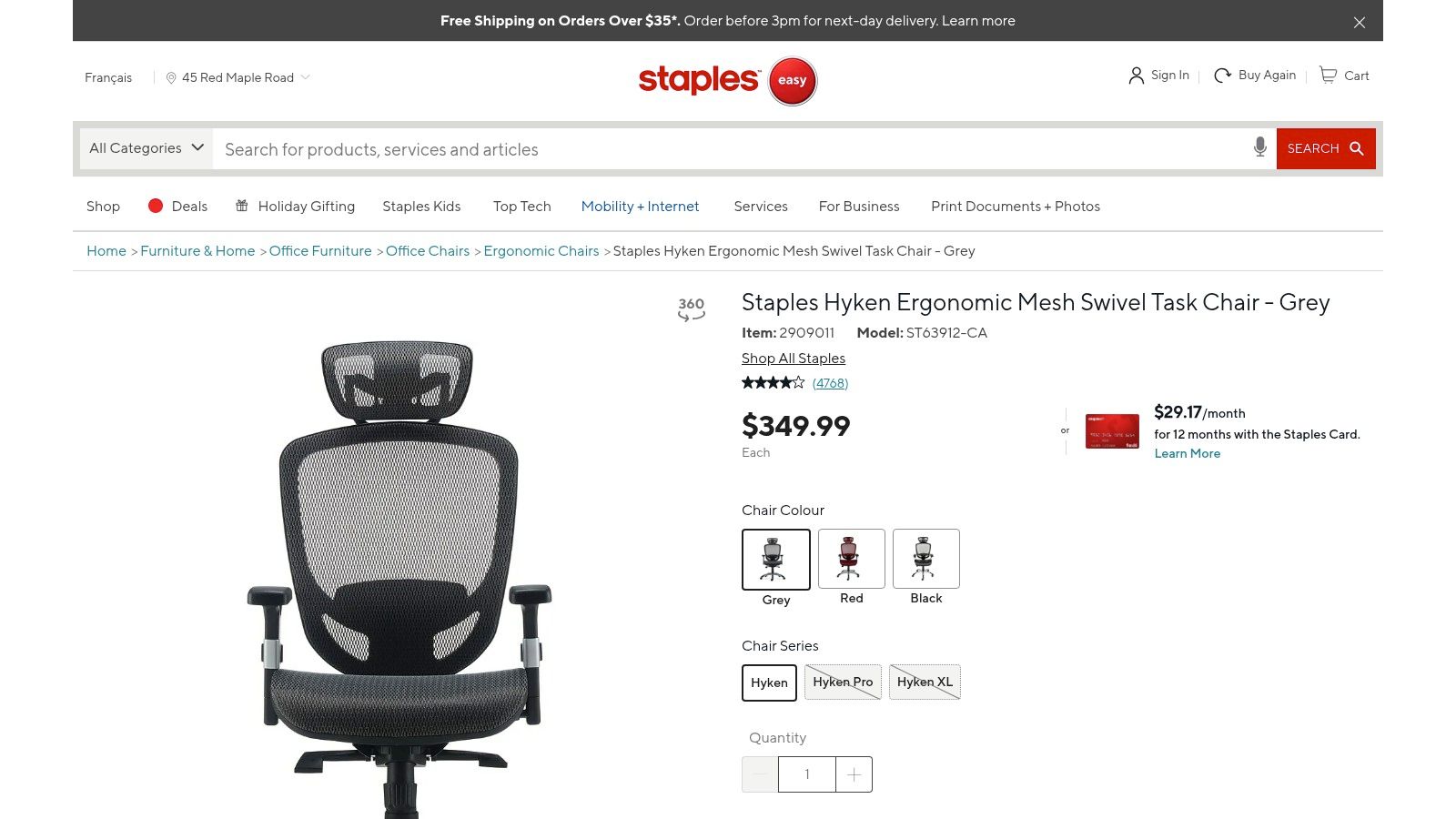
The Hyken suits a warm room and a small work area. All-mesh seat and back breathe better than an upholstered pad, and the compact frame doesn’t dominate a spare corner. It’s listed at CA$349.99 on the Staples Hyken product page, so confirm that figure before you buy.
Where the Hyken Compromises
You get adjustable lumbar support, height-adjustable arms and seat, an adjustable headrest, tilt tension and an upright tilt lock. Staples lists ANSI/BIFMA standards, a 275-pound capacity and a five-year limited warranty on that same page. That’s a solid paper trail for the price.
A mesh seat feels cool in week one. What matters is tension in month three, so judge the seat edge, not just the airflow.
The weak point is no seat-depth adjustment. The seat runs relatively short and narrow, which suits some smaller users and leaves taller users short on thigh support. Check your leg length against the pan before ordering.
Set it up so the whole workstation works together. The Canadian Centre for Occupational Health and Safety telework guidance recommends a chair and workstation adjusted so the keyboard remains at an appropriate height with neutral wrists and the mouse stays close enough to avoid arm or wrist strain. Drop the Hyken’s arms to desk height, pull in close, and don’t reach for the mouse.
3. Effydesk Kai Ergonomic Chair
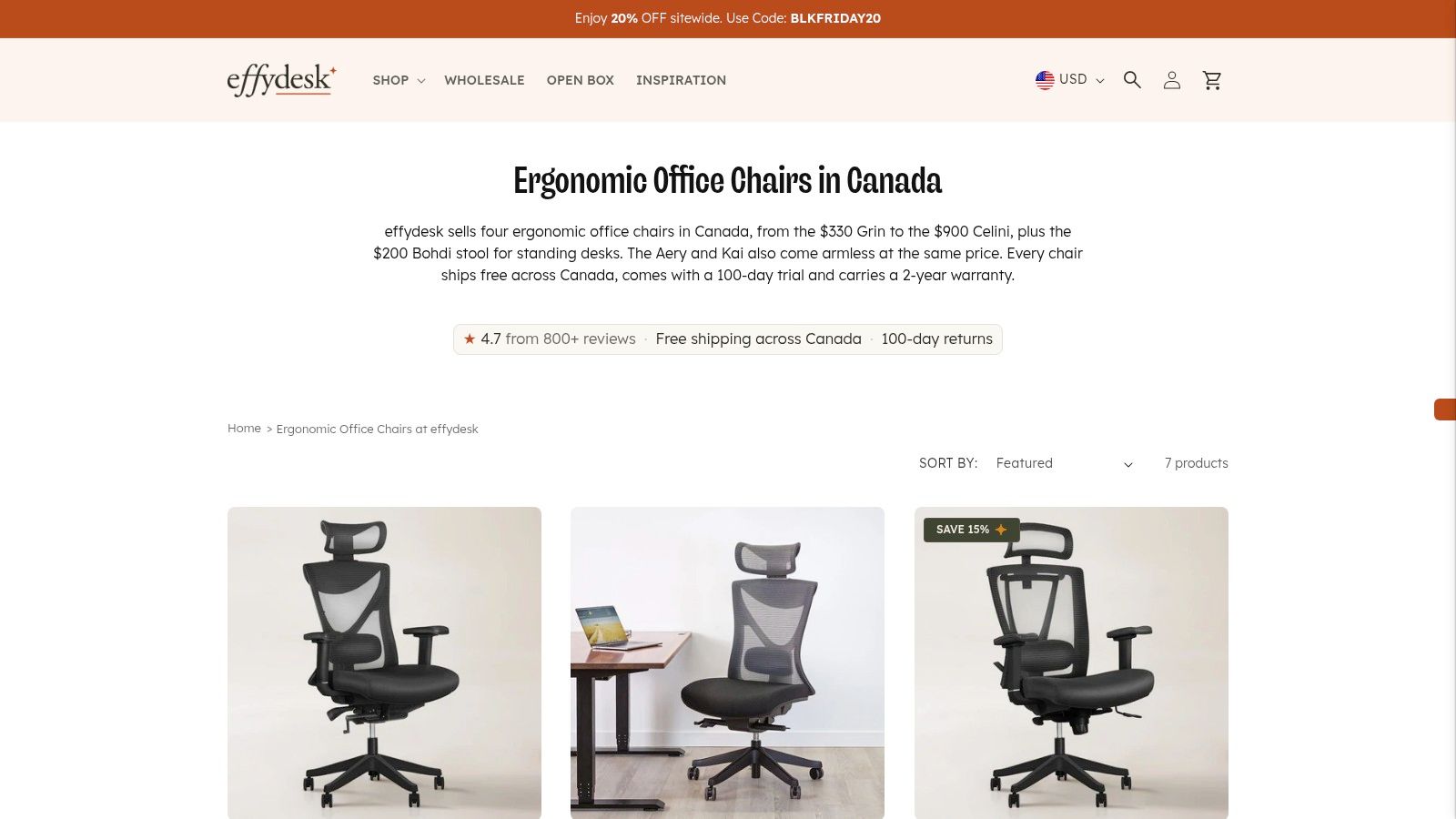
The Kai earns its premium over the Grin for one reason: you lean back. It’s listed at CA$350 in the Effydesk ergonomic chairs collection, which also lists free shipping across Canada and a 100-day trial. The extra money buys a headrest and three lockable recline positions. Sit upright all day and you’re paying for parts you never touch.
Headrest and Recline in Practice
A headrest pays off during reclined calls and reading. During upright typing it does nothing, and a badly placed one pushes your head forward. Set it to meet the back of your skull when you lean, then ignore it while you type.
- 4D-adjustable armrests: Slide them back or drop them low before tucking the chair under a narrow desk.
- Three lockable recline positions: Lock upright for work, release for reading and calls.
- Adjustable seat height: Set it against a fixed desk first, then check your feet still rest flat.
Effydesk describes the Kai as suited to compact home offices. Measure anyway. A headrest adds height at the top of the backrest, and recline needs clear space behind you that a bed or bookshelf may already claim. Check the gap behind your desk before the box arrives.
Strain builds from small repeats. Statistics Canada reported in its Canadian Survey on Working Conditions that 54.3% of Canadian workers in 2024 to 2025 were frequently exposed to ergonomic risk factors, including repetitive hand or arm movements. Recline relieves pressure during breaks. Arm position and desk distance carry the rest of the load, so spend the trial window testing the Kai against your real desk rather than the spec sheet.
4. Staples Mesh Task Chair
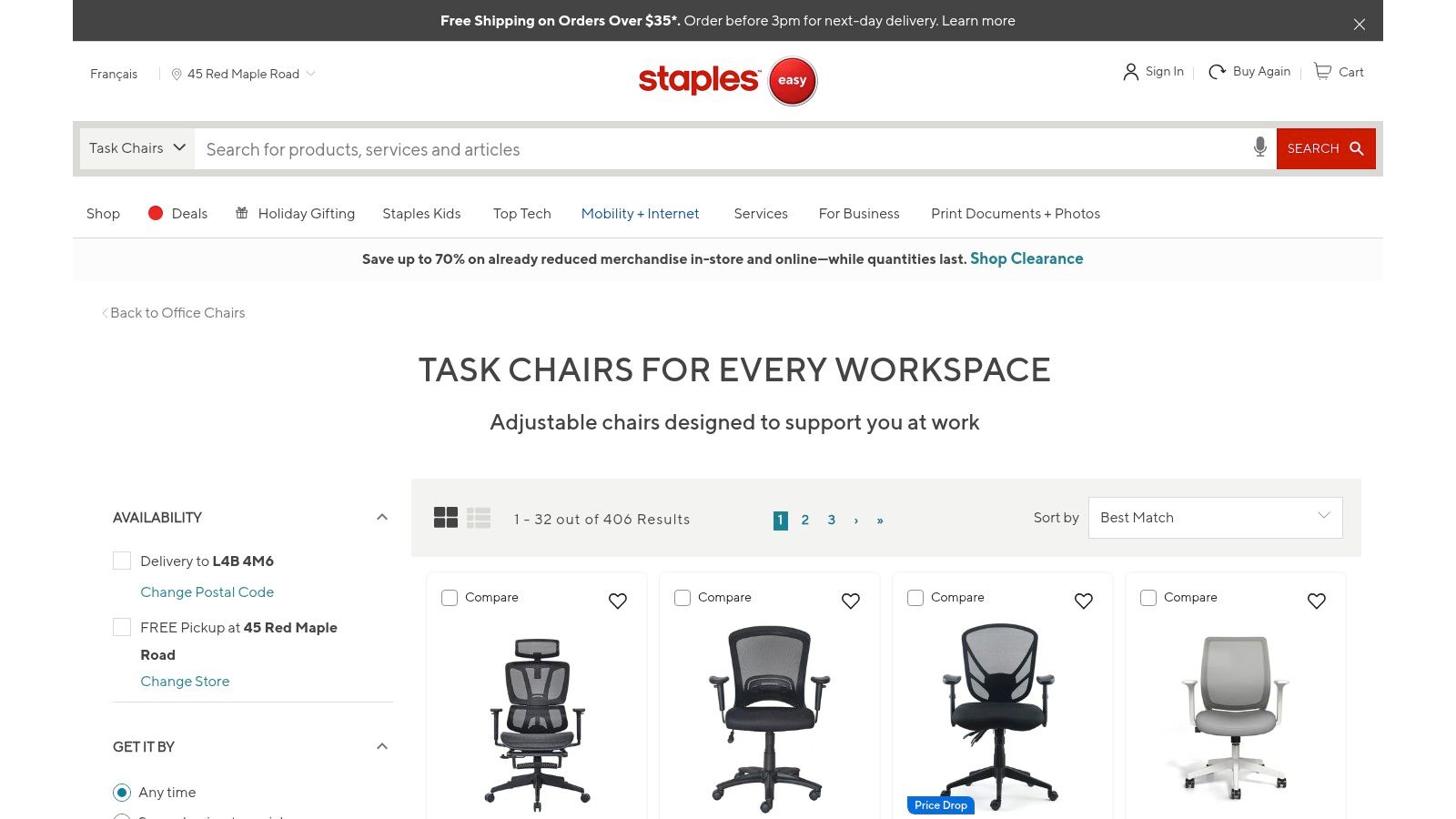
Not every buyer needs the Hyken’s full kit. This simpler mesh model is listed at CA$269.99 through the Staples Canada task chair collection, which leaves room in a CA$400 budget for a footrest or monitor riser. Sometimes that split beats spending everything on the chair.
Buy the System Not Just the Chair
Treat the chair as one part of the workstation. In a Canadian survey of 1,054 full-time, part-time, and self-employed workers, the CDW Canada digital workspace survey found 37% of respondents identified ergonomic chairs as a work-from-home technology. Satisfaction comes from the full setup, seat height, screen height and desk depth together.
- Mesh task-chair format: Cooler than a padded back through a long afternoon.
- Swivel base and casters: Check they’re right for your floor before you roll.
- Large retailer channel: Compare and return through Staples if the fit is wrong.
The cost of the lower price is information. Staples publishes fewer ergonomic specifications for this model than for the Hyken, so confirm the exact adjustments on the product page for the unit you’re buying. Local stock and delivery vary too.
If you’re building the whole corner at once, our small home desk setup guide covers desk depth and screen placement alongside seating. I include this chair for budget flexibility, not for adjustment depth.
5. IKEA FLINTAN Office Chair
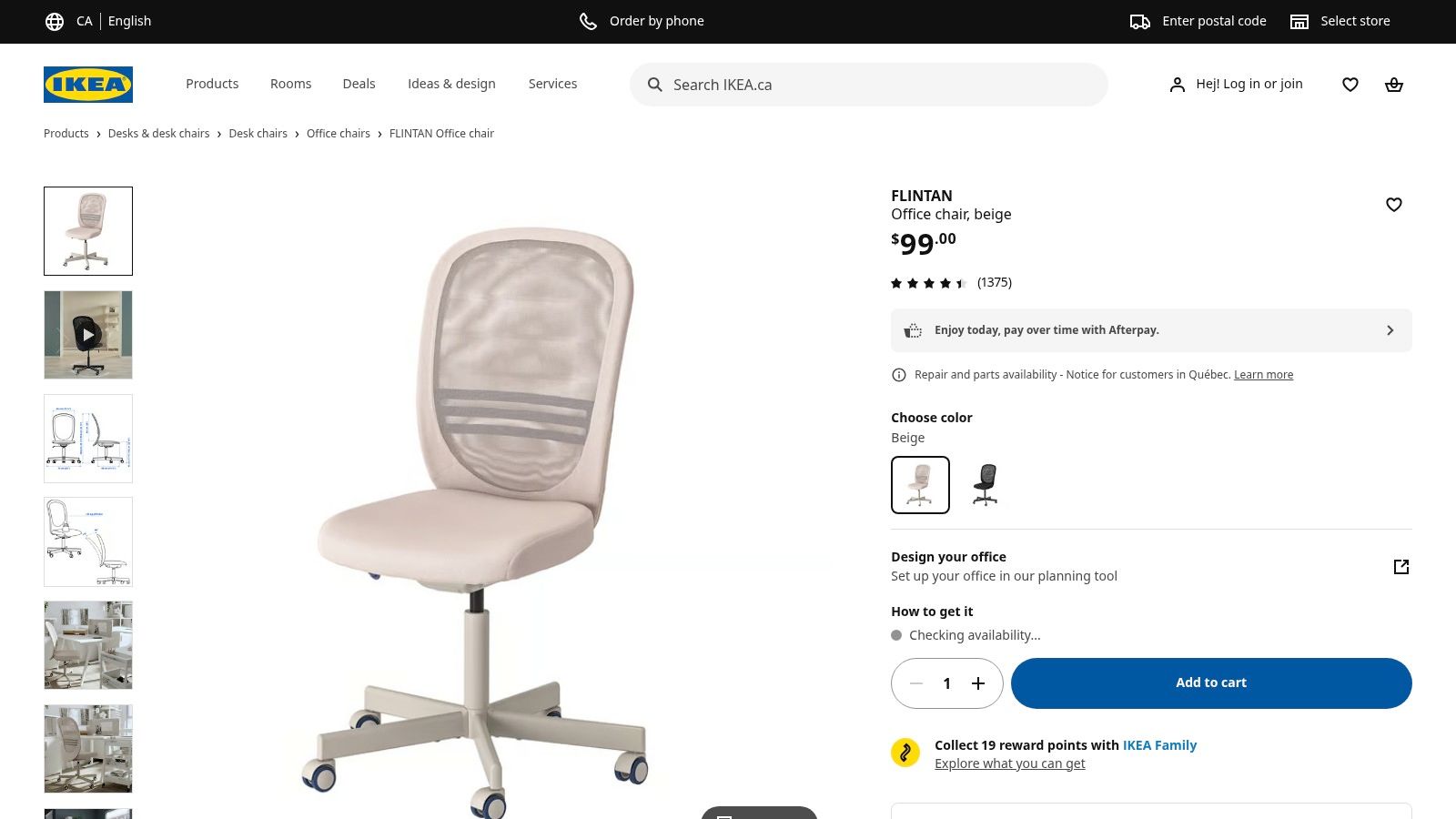
At CA$99 on the IKEA FLINTAN product page, the FLINTAN undercuts everything else here by a wide margin. That price makes it a smart first chair for a student desk or a secondary workspace. It doesn’t make it a full ergonomic solution for long days.
What CA$99 Gets You
You get a mesh back, adjustable seat height, lumbar support, a tilt lock and a removable, washable seat cover. IKEA lists a 10-year limited warranty and a 276-pound tested capacity on that page. The cover is a genuine practical win in a shared or kitchen-adjacent workspace.
Optional armrests are the small-space trick. Leave them off and the chair slides further under a narrow desk. Add them later if your shoulders tell you they miss the support.
Clearance test: Measure from floor to the underside of your desk apron, then compare it with arm height at your working seat height, not at the lowest setting.
Limits are clear. Seat depth is fixed and total adjustment trails the Effydesk and Hyken picks. Cushioning and pan depth suit some bodies and not others, so sit on one in store if you can. Spend the savings on a footrest if your feet don’t sit flat at desk height.
6. Effydesk Grin Ergonomic Armless Chair
Say your desk has drawers on both sides and a low apron between them. Every armed chair stops short, you reach forward, and your shoulders round by noon. The armless Grin removes that collision. It’s listed at CA$330 on the Effydesk chairs page.
When No Arms Beats Adjustable Arms
You keep the Grin line’s useful base, adjustable seat height and depth plus lockable tilt and recline. You lose forearm support entirely. That’s the whole trade, and it’s worth it only when armrests physically block a good position.
- No arms to hit drawers: Tuck the chair fully in and reclaim floor space.
- Closer desk position: Keep keyboard and mouse within easy reach.
- Seat-depth adjustment retained: Fit the pan to your legs without a pillow workaround.
Rest your forearms lightly on the desk surface instead, with shoulders down. If your desk edge is sharp or too high for that, this chair will tire your shoulders and an armed model with low, sliding rests is the better call.
Our roundup of small desk space-saving upgrades covers other moves that free knee and floor space around a chair like this. Verify your preferred colour is in stock before ordering.
I recommend the armless Grin for drawer-heavy desks and very tight alcoves. For an open desk frame, take the standard Grin and keep the arm support.
7. IKEA MARKUS Office Chair
The MARKUS is the simple high-back option for people who want more back coverage and few controls. It’s often listed around CA$229 through IKEA Canada office chairs, so confirm current price, warranty and local stock there before you commit.
Simple Controls Fixed Depth
You get seat-height adjustment and a simple recline mechanism under a tall back. Fewer controls mean less to set wrong, and you can often inspect and sit on one in person through IKEA’s retail network. For a shared household chair, that simplicity has real value.
The problem is fixed seat depth. If the pan is too deep for your legs, you’ll either perch on the front edge away from the backrest or let the edge press behind your knees. No recline setting fixes that geometry. Sit fully back in store and check for a small gap between pan edge and calf.
- High-back design: More coverage for people who lean back often.
- Fewer ergonomic controls: Faster setup, less fine fit than the Hyken or Grin.
- Retail access: Easier to test than an online-only chair.
The stakes aren’t abstract. The Government of Canada reported, using Association of Workers’ Compensation Boards of Canada data in its repetitive strain injury notice, that Canadian workers recorded 10,874 accepted lost-time claims in 2023 for musculoskeletal-system and connective-tissue diseases and disorders. A chair that fits your legs is the starting point, not a luxury.
How the seven budget ergonomic chairs compare on price, arms, seat-depth adjustment and headrests
| Item | Listed Price (CA$) | Armrests | Seat-Depth Adjustment | Headrest |
|---|---|---|---|---|
| Effydesk Grin Ergonomic Chair | 330 | 4D adjustable | Yes | No |
| Staples Hyken Ergonomic Mesh Swivel Task Chair | 349.99 | Height-adjustable | No | Adjustable |
| Effydesk Kai Ergonomic Chair | 350 | 4D adjustable | Not specified | Yes |
| Staples Mesh Task Chair | 269.99 | Not specified | Not specified | Not specified |
| IKEA FLINTAN Office Chair | 99 | Optional | No; fixed depth | Not specified |
| Effydesk Grin Ergonomic Armless Chair | 330 | None | Yes | No |
| IKEA MARKUS Office Chair | Around 229 | Not specified | No; fixed depth | Not specified |
Turn the Shortlist Into a Chair That Fits Your Desk
Measure before you open a product page. Record the clearance under your desk from floor to apron or drawer bottom, the space behind your chair to the nearest wall or furniture, and the full caster footprint you can spare. A chair that fits on paper but can’t recline or roll back in your room doesn’t fit.
Next, check your body against the pan. Sit in any chair you own, measure from the back of your knee to where your back rests, and compare that with any fixed seat depth on the Hyken, FLINTAN or MARKUS. If the pan is deeper than your thigh allows, cross it off. Adjustable depth on the Grin models exists to solve exactly this.
Then settle the arms question. At your working seat height, will the armrests clear the desk apron, slide under it, or stop the chair short? 4D arms buy you room to manoeuvre. Optional arms on the FLINTAN and the armless Grin remove the problem, at the cost of forearm support.
Write down the return window or trial period before you pay. A long home trial from Effydesk and a large retailer return desk at Staples or IKEA both lower risk, in different ways. Use the first two weeks hard. Work full days, tuck the chair in nightly, and note where pressure shows up.
Prices in CA$ and stock change, so confirm current figures, warranty terms and capacity on the retailer’s page before buying. Don’t rely on a screenshot or an old listing.
If the chair alone doesn’t get you neutral, spend the leftover budget on the system. Add a footrest when raising the seat to match a fixed desk leaves your feet dangling. Add a monitor riser when a low screen pulls your head forward. Both cost less than returning a chair that almost worked.
Our approach at Deskbound favours adjustability over appearance, so we avoid chairs marketed mainly on aesthetics with little mention of lumbar adjustment or seat depth. Keep that filter on any model you find elsewhere.
For ongoing picks, sign up for our free weekly newsletter, one email a week with the best finds for a home office setup, and browse the related small-desk category guides as your workspace grows.
Get practical, footprint-first reviews for compact home offices, from ergonomic chairs under CA$400 to cable trays and small desk upgrades that earn their space. Visit Deskbound for our buying guides, setup frameworks and weekly picks, and start with the measurements from this shortlist before your next upgrade.