
You’re at a cramped desk right now, probably with a laptop taking the centre spot, a charger hanging off one side, and a pile of mail stealing the rest. In a small Canadian apartment, that setup breaks fast. The best home office essentials aren’t the prettiest ones, they’re the ones that return usable surface, clear floor space, or shave minutes off setup every day. Start with the desk kit, then audio, then lighting, then cable management, and finish with storage. These seven places make that sequence easier to buy without guessing.
Table of Contents
- 1. Deskbound
- 2. IKEA Canada
- 3. Staples Canada
- 4. Best Buy Canada
- 5. Branch Furniture
- 6. Ergonofis
- 7. Logitech Canada
- Top 7 Home Office Essentials, Vendor Comparison
- Build the Setup in Order, One Footprint at a Time
1. Deskbound
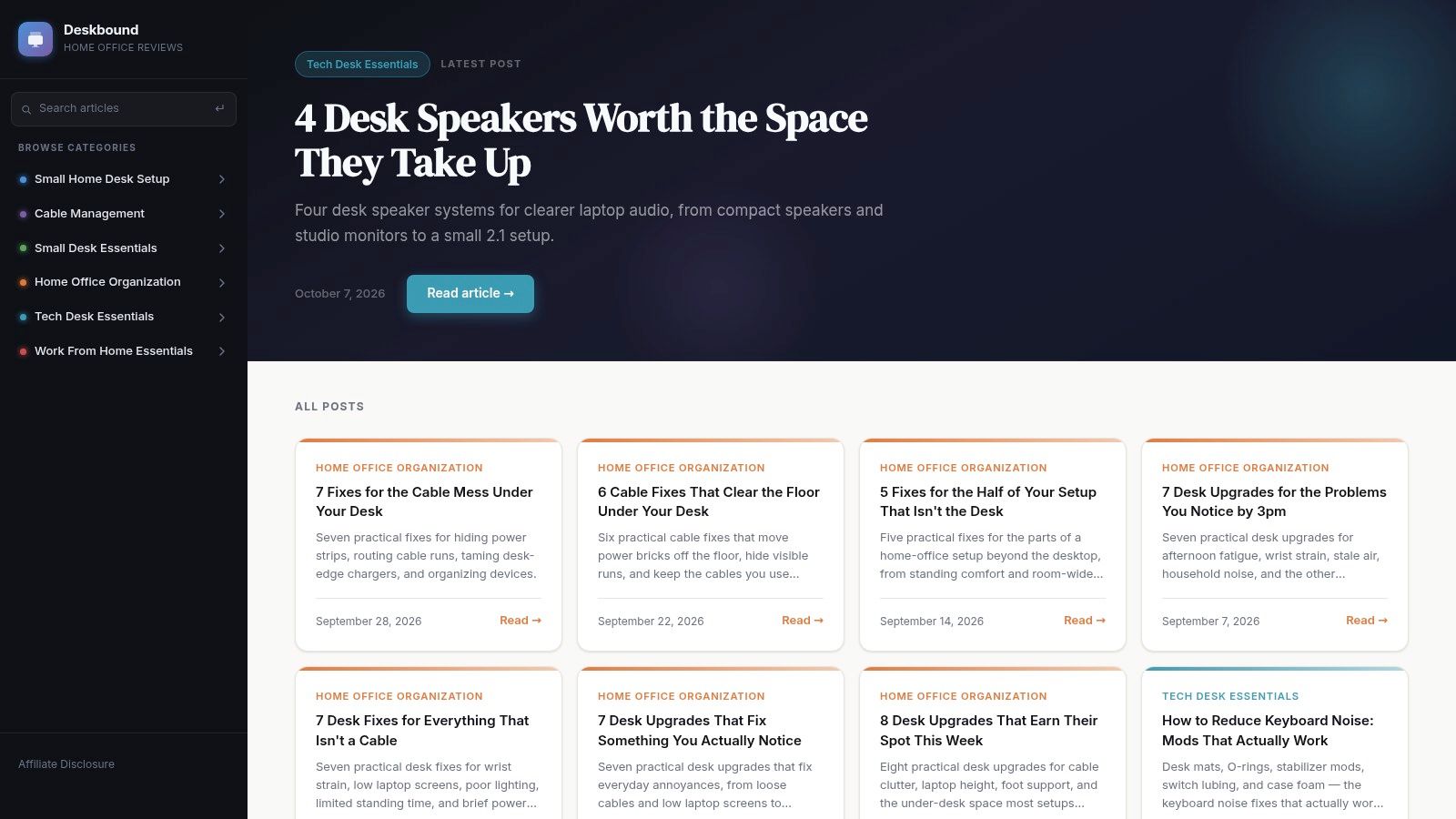
Deskbound earns its place when the room is tight and every centimetre has to do real work. The site focuses on the fix in front of you, cable clutter, low screens, noisy keys, or a desk surface that fills up too fast.
Why it fits a compact build
The strongest material is the component-level guidance. Deskbound gets specific about under-desk trays, raceways, routing paths, and where to place a power brick so it disappears instead of stealing floor space. In a small room, that kind of cable work often gives back more usable area than another accessory ever will.
Practical rule: Buy the smallest fix that removes the biggest annoyance first. In a cramped space, a clean cable path beats a new gadget that adds another cord.
The roundups stay grounded too. Compact wireless keyboards are judged by typing feel, battery life, and Bluetooth reliability. Ergonomic chair picks stay tied to realistic budgets, not studio-style wish lists. That makes it easier to build a desk kit that fits the room and the wallet.
The editorial setup is clear. Recommendations are separated from monetisation, affiliate links are disclosed, and the site uses a consistent taxonomy across its home-office hubs. For readers who want a steady feed of ideas, the free weekly email is a practical way to catch targeted picks without digging through the archive every time.
What to check before buying
- Space fit: Measure desk depth first, then compare keyboard width, stand footprint, and tray size.
- Setup time: Choose gear that installs cleanly and reversibly.
- Noise impact: In shared rooms, quiet peripherals matter as much as comfort.
- Cable handling: If the product does not reduce visible wires, it may not earn its footprint.
For a compact home office, Deskbound is the clearest editorial match because it treats every upgrade as a space problem first. Visit Deskbound when the room is small and the margin for clutter is smaller.
2. IKEA Canada
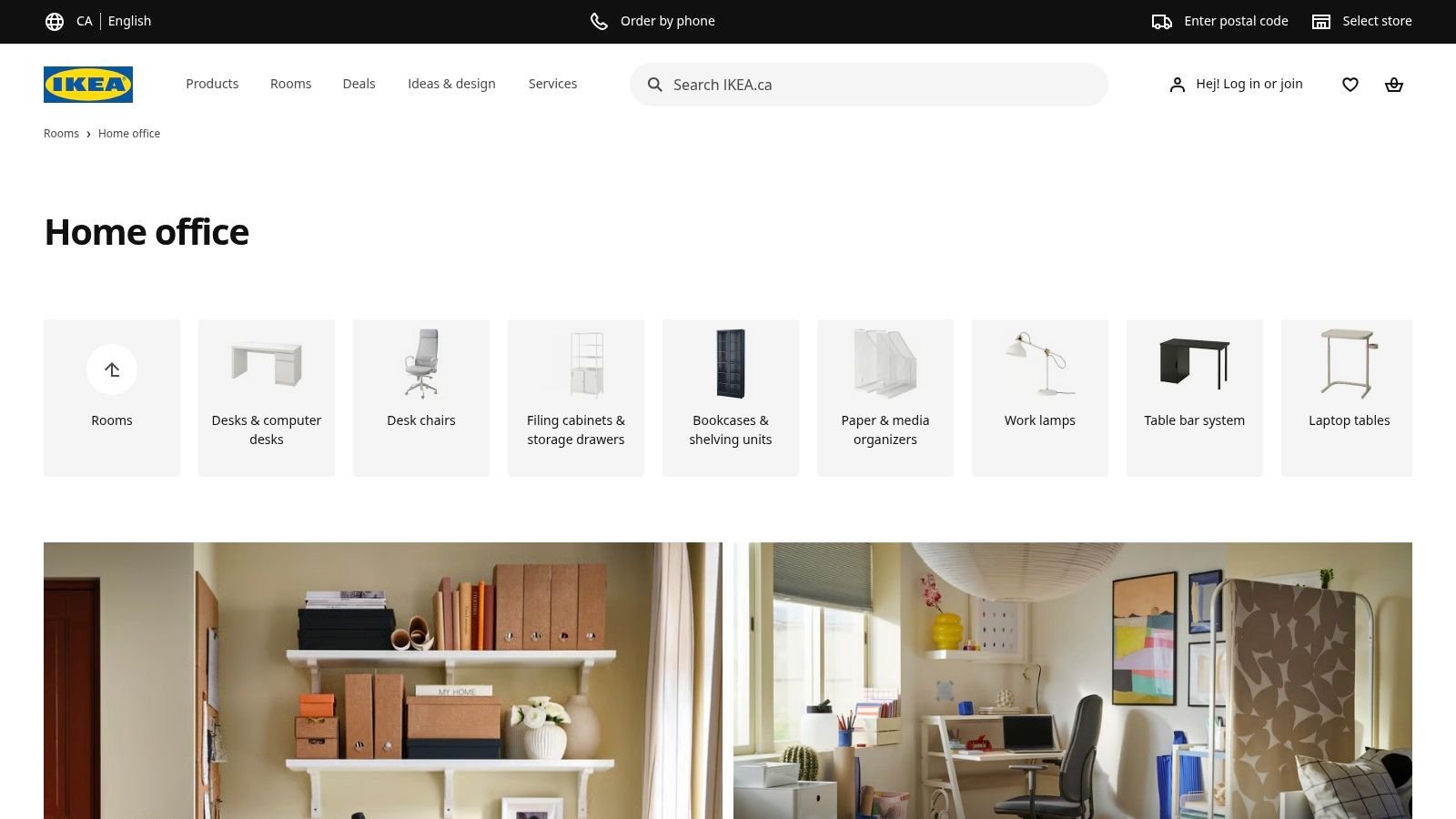
IKEA Canada is where most compact setups start for a reason. The range covers compact desks, modular storage, simple lighting, and the sort of add-ons that make a narrow room feel intentional instead of improvised. For readers building from scratch, that combination can solve a lot without demanding a lot of floor area.
The main advantage is modularity. A small desk can grow into a fuller workstation with pegboards, drawers, shelves, and organisers that keep paper, cables, and accessories from spreading across the surface. The SKÅDIS system is a good example of that approach, because it moves storage vertical and off the desktop.
For a cramped room, the trade-off is obvious. Some lower-cost lines are easy to assemble and easy to replace, but they’re not always the best choice for heavier gear. If you’re planning to run a laptop, monitor, dock, lamp, and speakers from one surface, it’s worth checking how stable the desk feels under daily load.
A compact setup works best when the desk stays visually light but functionally dense.
IKEA also makes it easier to build around the rest of the room. If the office is really a corner of a bedroom or living area, modular shelving and slim organisers can disappear into the background better than bulky office furniture. That matters when the desk has to coexist with non-work life after hours.
For small-space shoppers, IKEA is best used as the furniture and storage layer of the build. It pairs well with better peripherals from elsewhere, especially if you want a room that stays tidy without looking over-furnished.
3. Staples Canada
Staples Canada is the practical, no-drama choice when you need to outfit a workspace fast. The selection covers chairs, desks, footrests, monitor risers, printers, and basic supplies, so it’s useful when you don’t want to split a home-office order across multiple stores. That convenience matters when the setup needs to be ready this week, not eventually.
The strongest case for Staples is shipping and returns. For remote workers who are swapping a dining chair for a real workstation, speed often beats endless comparison shopping. The store’s ergonomics guidance also helps if you need a quick sanity check before buying a chair or riser that will sit in a small room for years.
Best use in a compact room
Staples is strongest at the desk-kit stage. A monitor riser, footrest, and task chair can fix posture problems without forcing a full furniture overhaul. That’s useful in apartments where the room can’t absorb a giant sit-stand desk or oversized storage wall.
The trade-off is range quality. Chair selection is broad, which is good for choice, but it also means the shopper has to do more homework on each model. A chair that looks fine online may not be the one you want to keep in a workspace that doubles as a living space.
A sensible Staples order usually looks like this.
- Pick the posture fix first: Chair, footrest, or riser, depending on what’s causing strain.
- Add the supply layer second: Printer paper, storage bins, basic organisers.
- Leave the decor extras for last: They rarely improve usable surface or setup time.
Staples works best when the goal is getting a functional workstation in place without delays. It’s less about inspiration and more about removing friction, which is often exactly what a cramped home office needs.
4. Best Buy Canada
Best Buy Canada earns its spot later in the build sequence because it handles the tech layer better than the furniture layer. If the desk is already in place, start here to find webcams, headsets, monitors, USB hubs, mini PCs, and networking gear that makes the setup easier to use every day. Those items don’t take much visual space, but they change how well the room performs.
That matters in compact rooms because audio and video gear often solve problems that furniture can’t. A small headset can make shared spaces easier to work in. A better webcam can stop you from propping a laptop on a stack of books. A USB hub can reduce the number of devices hanging directly off the computer.
The site’s buyer guides are helpful when you’re pairing peripherals with a tight desk. Best Buy’s strength is not only assortment, it’s the ability to centralise AV and networking upgrades in one place. For readers who are already shopping for a monitor or a compact dock, that can shorten the research cycle.
What to watch for
Best Buy’s furniture range is narrower than what you’ll find at office-first or design-first brands. That’s not a flaw if you use it for the gear layer. It is a flaw if you expect it to build an entire room on its own.
Marketplace listings also need closer checking. Warranty terms and return rules can vary, so the seller details matter more than they do with a simple in-store purchase. For a home office, that’s especially important with webcams, headsets, and smaller electronics that you’ll use daily.
For a small room, Best Buy is best when you want the setup to feel quieter and more connected without adding physical bulk. It fills the gap between furniture and workflow.
5. Branch Furniture
Branch Furniture sits in the middle ground between mass-market convenience and premium design. That makes it a strong option for Canadians who want a better chair or desk without turning the office into a showroom. The line is clean, the product naming is straightforward, and the focus stays on function.
Its best fit is the compact workstation that needs a real seating upgrade. Ergonomic chairs, sit-stand desks, drawers, and accessories are all aimed at modern home setups, not oversized corporate floors. The Toronto showroom helps too, because testing chair fit in person can save a lot of second-guessing later.
Where it wins
Branch is a good match when the room needs one or two meaningful upgrades rather than a full redesign. The product line is focused enough to compare without drowning in options, which is useful if you’re trying to preserve both time and floor space.
The brand’s cleaner cable routing and simple storage add-ons help with the visual side of a small room. That matters when the office is also a bedroom, guest space, or living room corner. Furniture that looks calm helps the room feel usable after the workday ends.
The trade-off is choice. You won’t get endless fabric or finish combinations, and that can be a plus or a minus depending on how much control you want over the final look. For many compact setups, fewer options are easier to live with.
Branch works best for shoppers who already know they want an ergonomic upgrade and don’t need a giant product search to get there. It’s a practical step up from basic furniture without becoming overbuilt.
6. Ergonofis
Ergonofis is the premium Canadian option for readers who want the desk to look as good as it works. It leans into sit-stand desks, hardwood tops, stools, mats, shelves, and coordinated cable solutions. In a room that stays visible all day, that finish quality can matter more than a bargain price tag.
The appeal is cohesion. Instead of cobbling together a desk, mat, shelf, and accessory system from different sources, you can build a matching setup that feels intentional. That’s valuable in multipurpose spaces where the workstation is always part of the room, not hidden away.
Best for visible, shared rooms
Ergonofis makes the most sense when the desk lives in a prominent part of the home. If the setup is going to be seen from the couch, the hallway, or a video call backdrop, the material and finish quality become part of the appeal.
The downside is cost and timing. Premium materials usually mean a higher spend, and popular finishes can take longer to get. That’s fine if you’re building a long-term room, but less useful if the setup needs to move next month.
Premium furniture only makes sense when the room will keep it. If the office is temporary, prioritise reversible pieces first.
For compact workspaces, Ergonofis is strongest when the user wants fewer compromises and a more refined look. It is not the quickest path to a basic desk, but it can be the most satisfying one when the room doubles as a living space and the workstation has to look finished.
7. Logitech Canada
Logitech Canada closes the list because the last real wins in a compact office usually come from the small gear you touch all day. Wireless keyboards, compact mice, headsets, webcams, and docks do more to free up desk surface than many would assume. They also cut cable clutter and make it easier to move a laptop in and out of the setup.
The big advantage is footprint. A low-profile keyboard and small mouse leave more room for notebooks, a coffee cup, or a notebook stand. A headset can replace a bigger speaker setup when the room is shared, and a good webcam stops you from improvising with the laptop lid angle.
Why peripherals matter more than they look
In a cramped room, the wrong keyboard can feel huge. High-profile boards, wide key layouts, and cable-heavy gear quickly take over the work surface. Logitech’s compact wireless options are useful because they reduce both visual noise and physical clutter.
That makes this brand a strong finish-stage purchase. The desk is already there, the audio and lighting are sorted, and the next improvement is usually about comfort and quiet. A smaller keyboard or mouse can make that final polish obvious the first day you use it.
There’s also a practical reliability angle. Cross-device switching matters in hybrid work, especially when a laptop sits beside a phone or tablet on a limited surface. The fewer times you have to reach around cables or re-pair devices, the better the setup feels.
Logitech is not the cheapest stop on the list, but it’s often one of the most space-efficient. For a compact home office, that’s the point.
Top 7 Home Office Essentials, Vendor Comparison
| Item | Implementation Complexity 🔄 | Resource Requirements 💡 | Expected Outcomes ⭐📊 | Ideal Use Cases ⚡ | Key Advantages ⭐ |
|---|---|---|---|---|---|
| Deskbound | 🔄🔄, moderate (step-by-step execution) | 💡💡, low‑to‑moderate (time + affordable gear) | ⭐⭐⭐⭐, targeted, measurable improvements (cable, ergonomics) | ⚡ Small apartments, compact desks, DIY optimizations | Problem‑first guides, frequent updates, budget‑conscious picks |
| IKEA Canada | 🔄, low (self‑assembly) | 💡💡, low (budget-friendly, widely available) | ⭐⭐⭐, good value and modular organization | ⚡ Cost‑conscious small‑space furnishing and scalable setups | Wide availability, modular ecosystem, strong value |
| Staples Canada | 🔄, low (purchase & basic setup) | 💡💡💡, moderate (varied price/quality range) | ⭐⭐⭐, reliable outfitting and quick turnaround | ⚡ Fast remote‑work provisioning, business purchases, replacements | Large in‑stock selection, fast delivery, business services |
| Best Buy Canada | 🔄🔄, low‑to‑moderate (tech pairing/setup) | 💡💡💡, moderate (peripherals can be mid‑priced) | ⭐⭐⭐, improved AV/network performance for compact desks | ⚡ AV/peripheral upgrades, compact tech integration | Strong selection of tested peripherals, frequent promos |
| Branch Furniture (Canada) | 🔄🔄, moderate (assembly, fit testing) | 💡💡💡, moderate (mid‑range pricing) | ⭐⭐⭐⭐, solid ergonomic fit and durability | ⚡ Mid‑range home offices, buyers wanting showroom try‑outs | Transparent lineup, good value‑to‑features, Toronto showroom |
| Ergonofis (Montreal) | 🔄🔄, moderate (custom finishes, lead times) | 💡💡💡💡, high (premium materials/pricing) | ⭐⭐⭐⭐, high quality, cohesive aesthetic and durability | ⚡ Premium sit‑stand desks, visible multipurpose rooms, creators | Premium materials, curated bundles, refined finishes |
| Logitech (Canada) | 🔄, low (plug‑and‑play peripherals) | 💡💡💡, moderate (mid‑to‑high for premium models) | ⭐⭐⭐⭐, reliable multi‑device performance and quiet operation | ⚡ Compact, multi‑device setups; apartment/shared spaces | Space‑efficient peripherals, cross‑platform support, wide retail availability |
Build the Setup in Order, One Footprint at a Time
A cramped home office gets better in the order you reduce friction. Start with the desk kit and surface, because that decides how much room the workday has. Then add the audio and video gear that removes call stress without taking over the desk. After that, clean up the wires with trays, raceways, and sensible power placement, then finish with storage that lifts paper, supplies, and backup gear off the main surface.
That order matters because every piece competes for the same limited footprint. A monitor arm won’t help much if the keyboard is too wide. A better chair won’t fix a surface buried under chargers. A stylish shelf won’t matter if the cables are still tangled across the floor.
The best small-space setups are built from restraint. Keep the items that improve comfort, call quality, and focus. Leave out the extras that only look useful in a larger room. If a product doesn’t return surface, floor space, or setup time, it probably doesn’t belong in the cart yet.
Measure the usable surface on your desk. Write down the one annoyance you want gone first. Then buy only the piece that solves that problem cleanly, and stop there until the next bottleneck shows up.
Deskbound is built for this kind of decision-making, with compact-desk reviews, cable-management guides, and weekly picks that stay focused on real small-space problems. If your home office needs a cleaner footprint and fewer guesses, visit Deskbound and start with the fix that gives you back the most usable space.
Enhanced by the Outrank tool